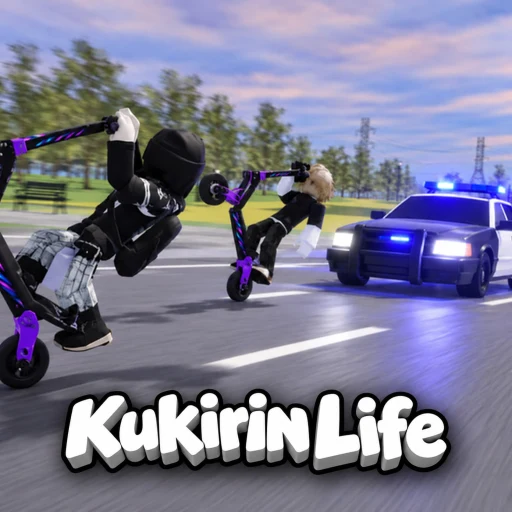
Roblox game · source check 2026-10-19
How to redeem Kukirin Life codes
Pocket Tactics and PCGamesN describe the same route: join Mukbang Lovers, launch the game, then Menu → Settings → Codes. Paste one code and select Redeem. This site has checked those articles, not the current in-game menu or a successful redemption.
Last checked 2026-10-19. How we check facts.
The path guides agree on
- Join the Roblox group Mukbang Lovers. Pocket Tactics and PCGamesN both list this requirement.
- Launch
[🎃] Kukirin Life [Testing], place122840796290491. Other scooter games will not have this menu. - Open Menu (also called Menus in some guides).
- Select the Settings gear.
- Select Codes.
- Paste one string and press Redeem. Wait for the result, then paste the next.
When the menu has moved
If your screen does not match these labels, follow the current in-game prompts. The audit has no screenshot proving where the control sits in the latest build. gamestratwiki instead says to find a Code or Twitter icon, which conflicts with the two more specific Menu/Settings accounts; that generic instruction is not treated as confirmation.
Failure order
- Not in the group yet.
- A space before or after the string.
- A letter typed where the code uses a digit, especially
CR4TE,TEST1NG, andKUK1L1F3. - This account already claimed it.
- The code may also have expired. A generic error is not enough to distinguish expiry from an input or account problem; read the message rather than assuming the list is still valid.
What not to do
Do not type the code into a website that asks for a Roblox password, a .ROBLOSECURITY cookie, or a “code redeemer” download. The only field these guides describe is the one inside the experience, after you are in the group. The current strings are on codes.
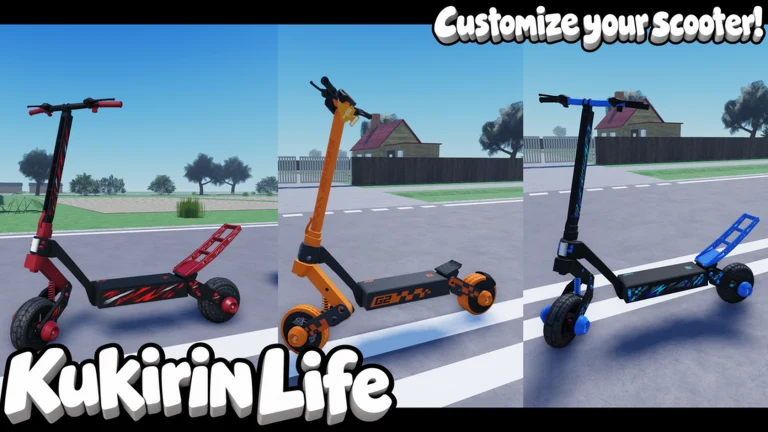
Questions people ask
Do I need Discord to redeem Kukirin Life codes?
No. The step the guides require is joining the Roblox group Mukbang Lovers. Discord is optional and is covered on the Discord page.
Can I redeem every code at once?
The write-ups say one at a time. Paste, read the result, then paste the next.
Keep going
Sources
- Roblox experience page — Public listing. X-Frame-Options is SAMEORIGIN, so this site does not embed it.
- Pocket Tactics codes — Read 2026-10-19; page updated 2026-10-14. Four code strings, rewards and Menu > Settings > Codes. Source report, not our redeem test.
- PCGamesN codes — Read 2026-10-19; published 2026-10-14. Same four rewards and group requirement. Its Discord link resolves to PCGamesN Community, not the game server.
- gamestratwiki code report — Read 2026-10-19; dated 2026-10-17. Lists DEVBUGFIX without a reward. Its Code/Twitter-icon steps conflict with the Menu/Settings steps in the other reports.